
An independent guide
Order of the Sinking Star Controls & Button Layout
On the PC defaults reported by Anthony Manuel on October 8, 2026, move with WASD, undo with Z and restart with R. His Xbox-style controller table uses the left stick or D-pad for movement, Y for Undo and the View button for Restart. PCGamingWiki's original PC configuration record reports keyboard remapping and limited controller remapping, with the left stick, right stick and D-pad controls protected. These are attributed PC references; native PS5 and Switch 2 layouts and a detailed mouse-button mapping are outside their verified scope.
- Device
- PC keyboard and an Xbox-style controller; controller branding does not imply an Xbox-console edition.
- Version
- Third-party launch-day reference, October 8, 2026; exact build and remapped layouts unknown.
- Coverage limit
- Reported PC defaults and the original PC configuration record's remapping declaration; no claimed native-console or mouse-button table.
PC keyboard defaults
Anthony Manuel's original Magic Game World keyboard table. Action names are reference labels; their effects depend on the selected character and puzzle.
Scroll across to read every column.
| Action | Default key |
|---|---|
| Move up | W |
| Move down | S |
| Move left | A |
| Move right | D |
| Run | Shift |
| Speed Up Time | Alt |
| Run and Slow Time | Ctrl |
| Restart | R |
| Undo | Z |
| Primary Action | X |
| Switch Characters | C or 1–9 |
| Secondary Action | V |
| Niche Action | E |
| Overhead View | Tab |
| Local Area View | Q |
| Level Preview | Space |
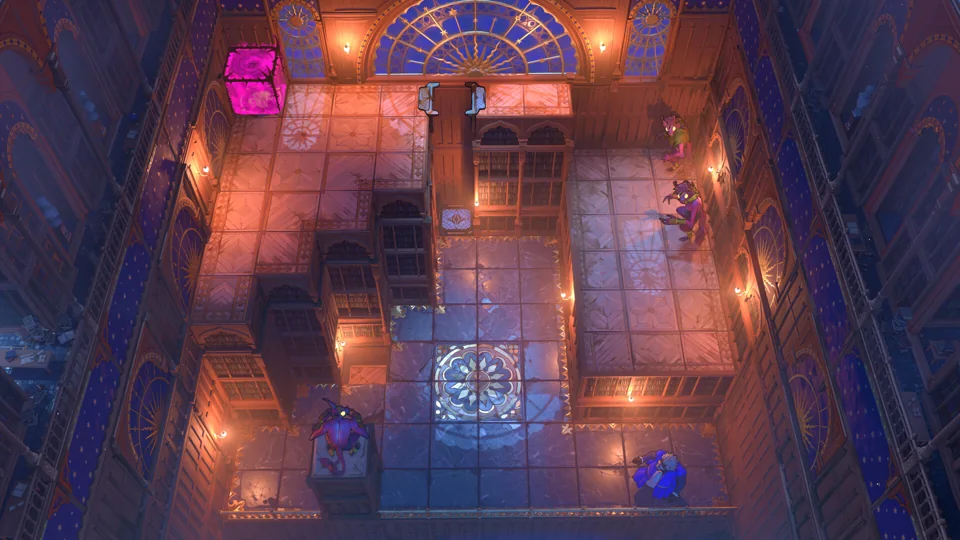
Sources: Magic Game World — Anthony Manuel's original controls guide
Xbox-style controller defaults
The controller table from the same PC controls reference. It does not document PlayStation or Nintendo button substitutions.
Scroll across to read every column.
| Action | Reported controller input |
|---|---|
| Move | Left stick or D-pad |
| Run | RB |
| Speed Up Time | LT |
| Run and Slow Time | RT |
| Restart | View button |
| Menu | Menu button |
| Undo | Y |
| Primary Action | X |
| Switch Characters | B |
| Secondary Action | A |
| Niche Action | LB |
| Overhead View | Press the left stick |
| Local Area View | Press the right stick |
| Character Select | Right stick |
Sources: Magic Game World — Anthony Manuel's original controls guide
Selection, time controls and recovery
- Undo and Restart
- Undo reverses a move; Restart begins a fresh puzzle attempt. PlayStation's demo report describes undo as a way to return to an earlier puzzle state. These descriptions do not guarantee recovery from every bug or document all save effects.
- Character selection
- Switch Characters cycles the available selection; the reference separately lists number keys on PC and Character Select on the controller. A character's abilities still determine what its action does.
- Time controls
- Run, Speed Up Time and Run and Slow Time have separate bindings. Into Indie Games describes a slow-time action for timing puzzles in the southern area; its guide does not make that a solution to every timing challenge.
To understand what the selected character can change, use the character and ability reference. The getting-started guide explains the exploration loop and the documented option of returning to the overworld through the menu.
Sources: Magic Game World — Anthony Manuel's original controls guide · PlayStation Blog — Corey Brotherson's demo hands-on report · Into Indie Games — original beginner guide
PC remapping and device caveats
PCGamingWiki's original PC configuration record marks keyboard remapping as supported and controller remapping as limited. Its note identifies the left stick, right stick and D-pad controls as protected from rebinding. This is a community-maintained configuration observation, distinct from Magic Game World's default table and from an official controller specification.
The same PC record marks mouse support in menus as absent. The official June demo FAQ's broader statement that the demo works with mouse and keyboard does not supply mouse-button assignments or promise mouse-operated menus. No mouse-click controls are inferred from that wording.
Steam's full-game listing declares full controller support. That describes device support rather than proving an identical layout on PS5, Switch 2 or a remapped installation. Use the source-scoped defaults above for the covered PC edition; this reference does not convert Xbox-style button labels into native-console mappings.
Sources: PCGamingWiki — original PC configuration record · Official Steam Next Fest demo FAQ · Steam — official product API · Magic Game World — Anthony Manuel's original controls guide
Sources and scope
- Magic Game World — Anthony Manuel's original controls guide
October 8, 2026 third-party PC keyboard and Xbox-style controller default tables; no complete mouse or rebinding procedure.
Research checked
- PlayStation Blog — Corey Brotherson's demo hands-on report
July 21, 2026 demo observation of undo; not a current-build bug-recovery test.
Research checked
- Into Indie Games — original beginner guide
October 8, 2026 author description of slow time and returning to the overworld.
Research checked
- Official Steam Next Fest demo FAQ
June 2026 demo input-device declaration; does not confirm current demo availability or exact bindings.
Research checked
- Steam — official product API
Full-game product 499170 lists full controller support; not a mapping or remapping manual.
Research checked
- PCGamingWiki — original PC configuration record
Community-entered PC input fields in supplied October 13 wikitext: keyboard remap true, limited controller remap with LS/RS/D-pad protected, mouse menu false. A qualified configuration observation, not official documentation or testing by this site.
Research checked